


How to Play
Join Chronicles in 4 simple steps and start your Legion adventure today!
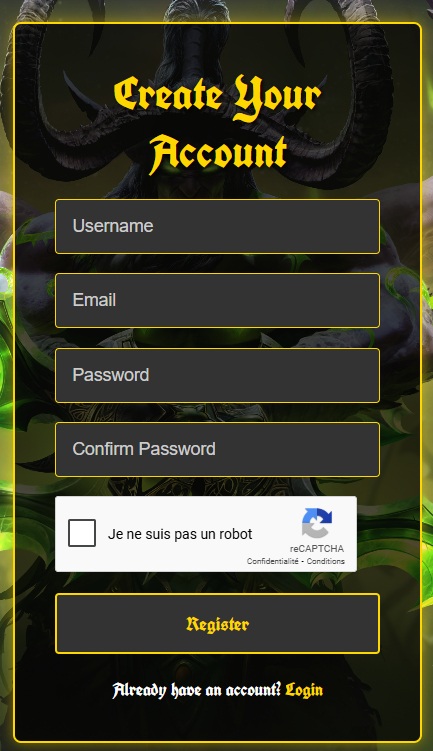
Create an Account
Register a free account on this website. Your e-mail and password are also your game login:

Get the Game
The launcher below installs World of Warcraft: Legion 7.3.5 for you (about 72 GB) and keeps it up to date. Already have the 7.3.5 client (build 26972)? Put the launcher in that folder instead.
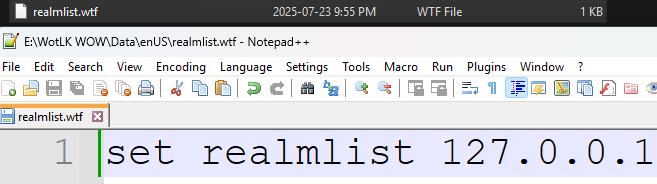
Install with the Launcher
Download Launcher.exe and start it, then choose where to install the game. It downloads the client (about 72 GB, around an hour on a fast connection). You can close it and start it again later: it continues where it stopped.
When it is done, the launcher is in your game folder: always start the game from there.
If Windows says it protected your PC, click More info, then Run anyway.

Start Playing!
Start Launcher.exe in your game folder, press Play and log in with the e-mail and password of your website account.
Enjoy your adventure on our server!
Ready to play! Enjoy your adventure.
Ready to Begin Your Journey?
Create an account now and start your adventure in the world of Azeroth!
Get Started Now